GUI64
A downloadable Commodore 64 Tool
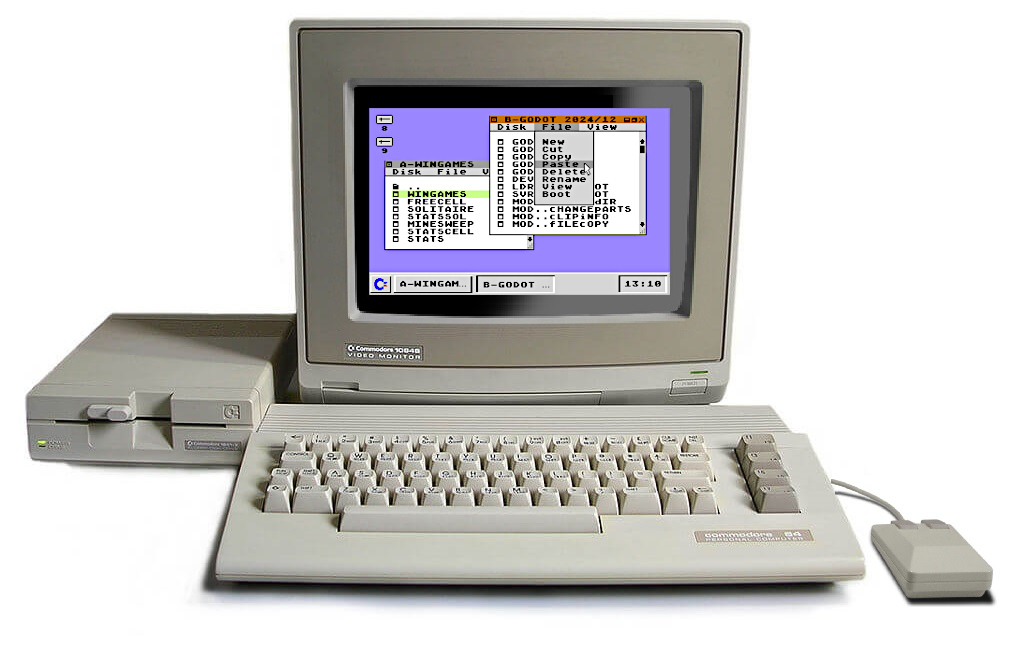
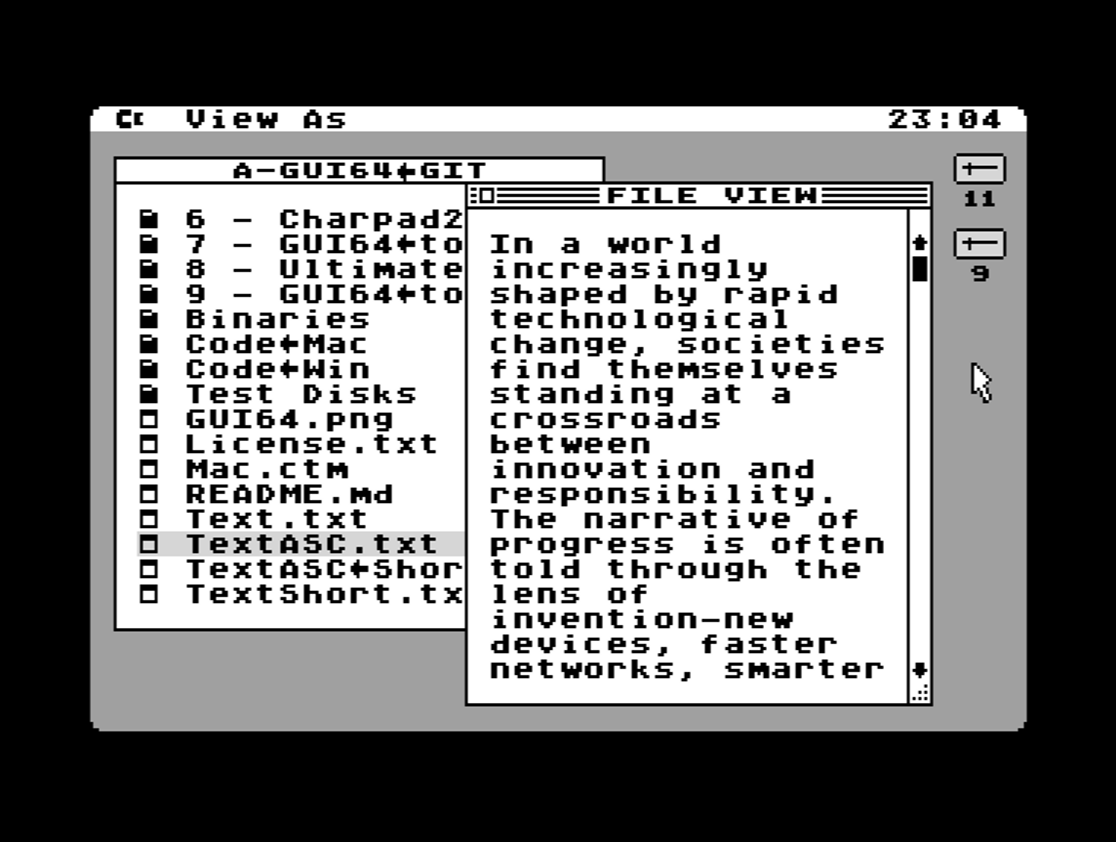
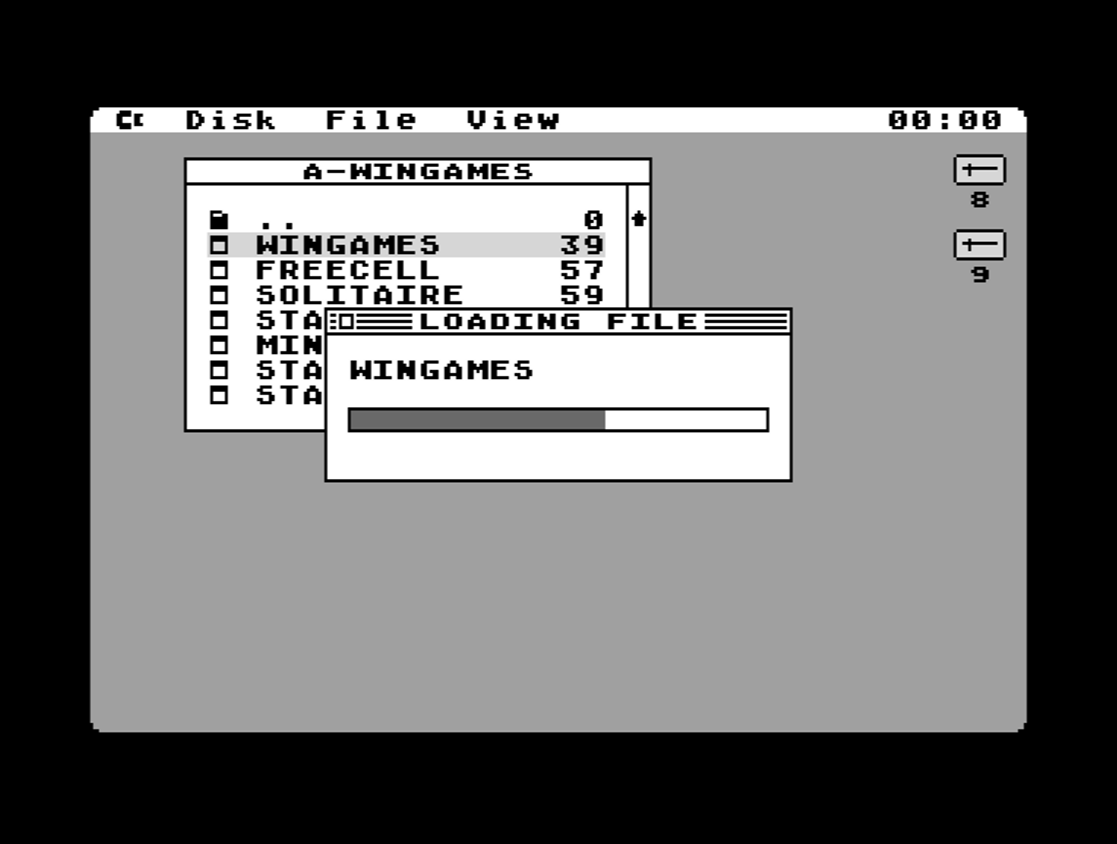
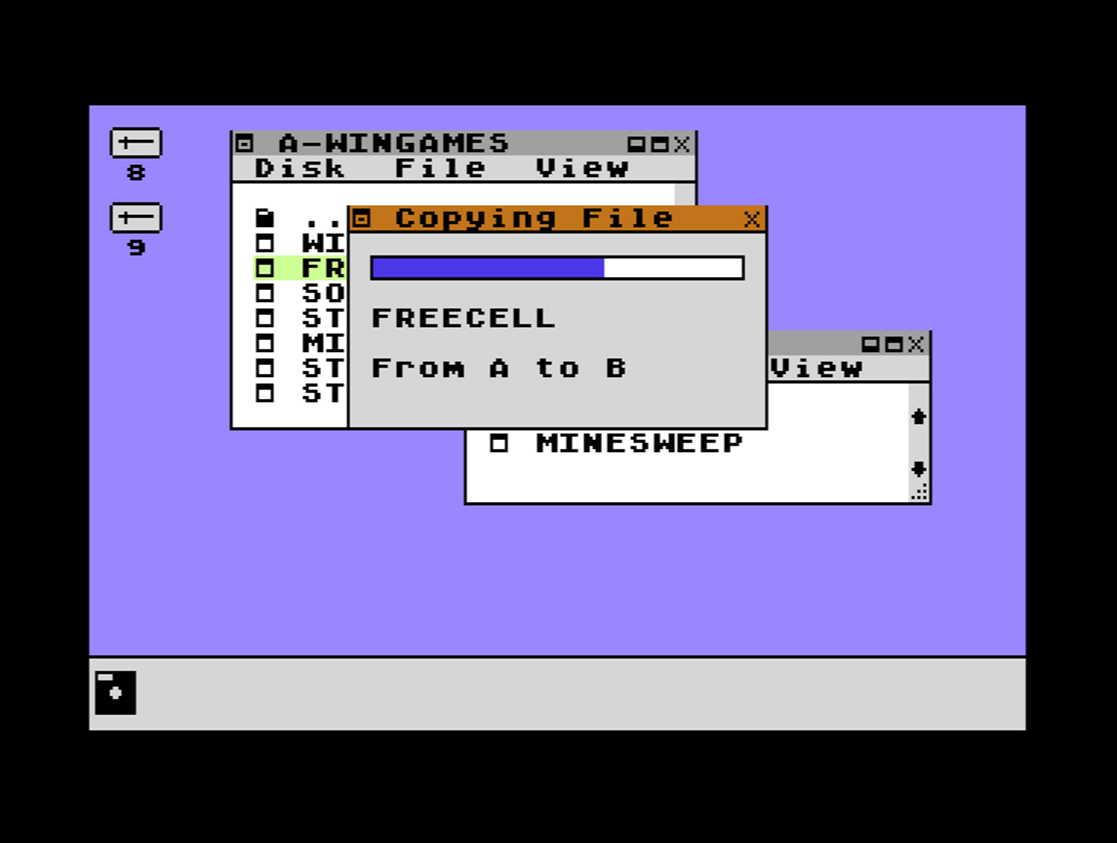
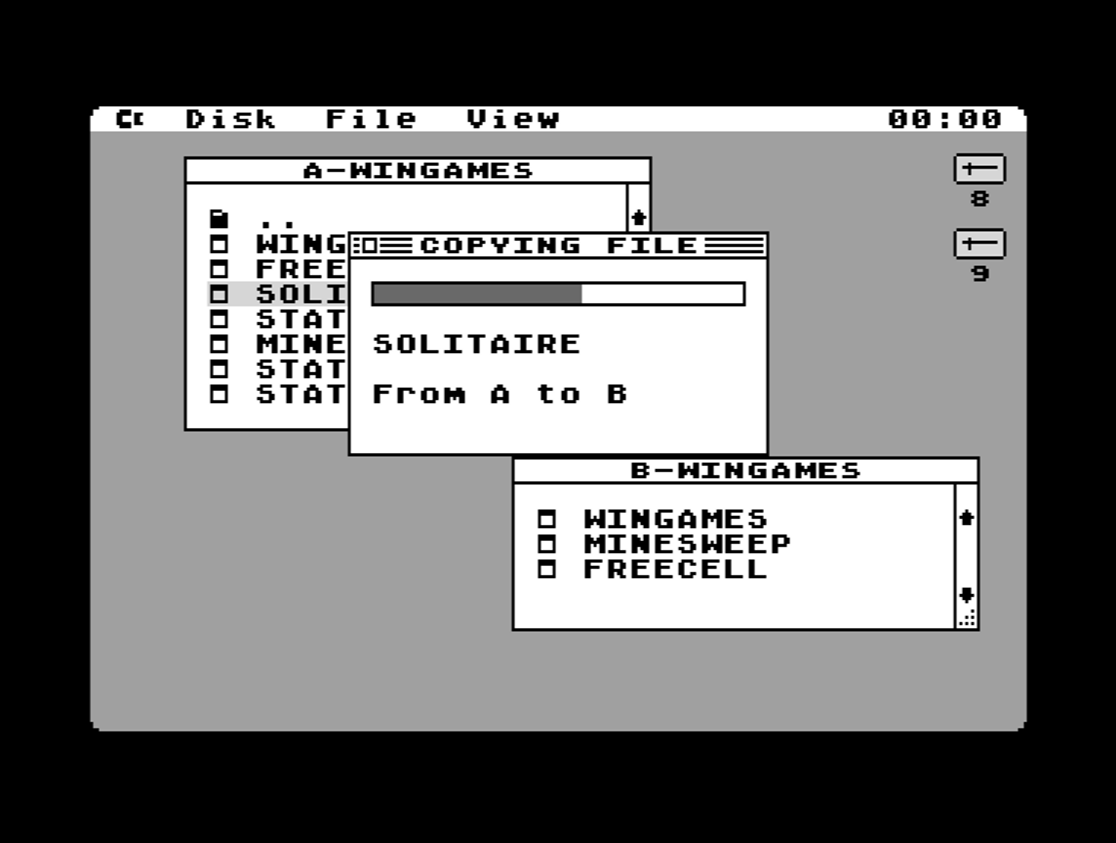
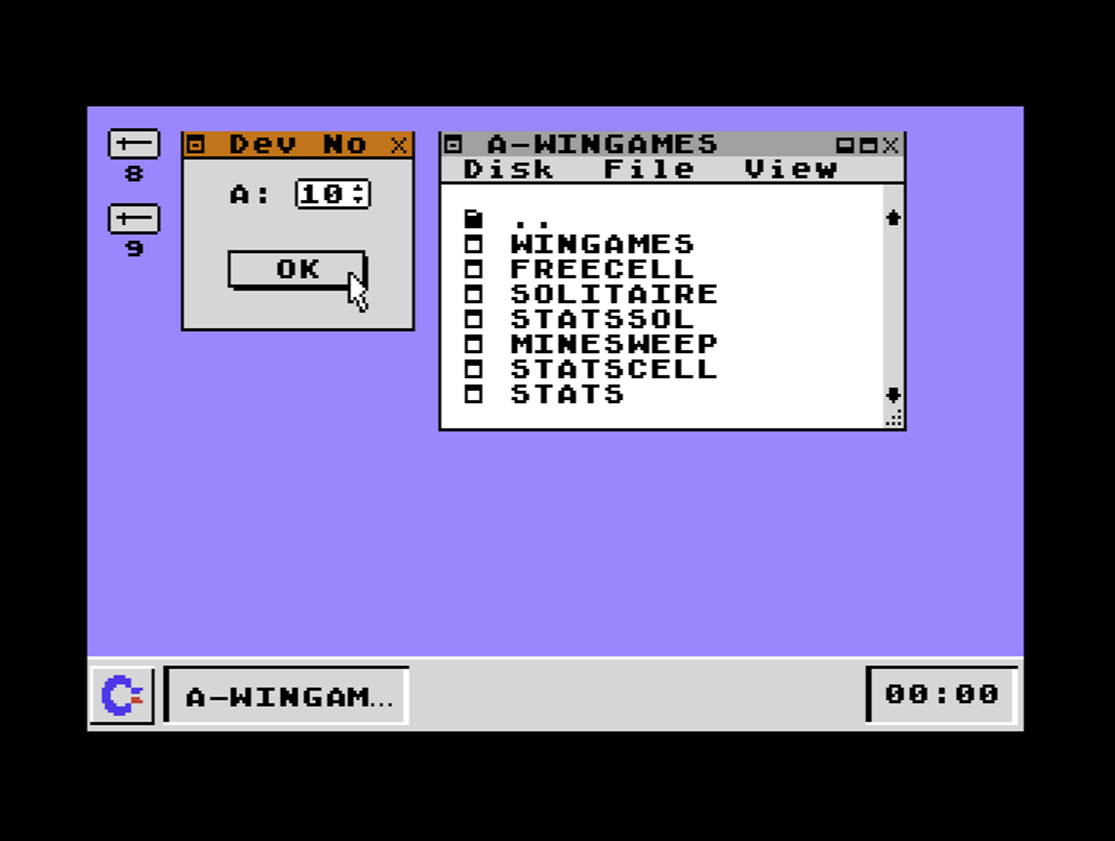
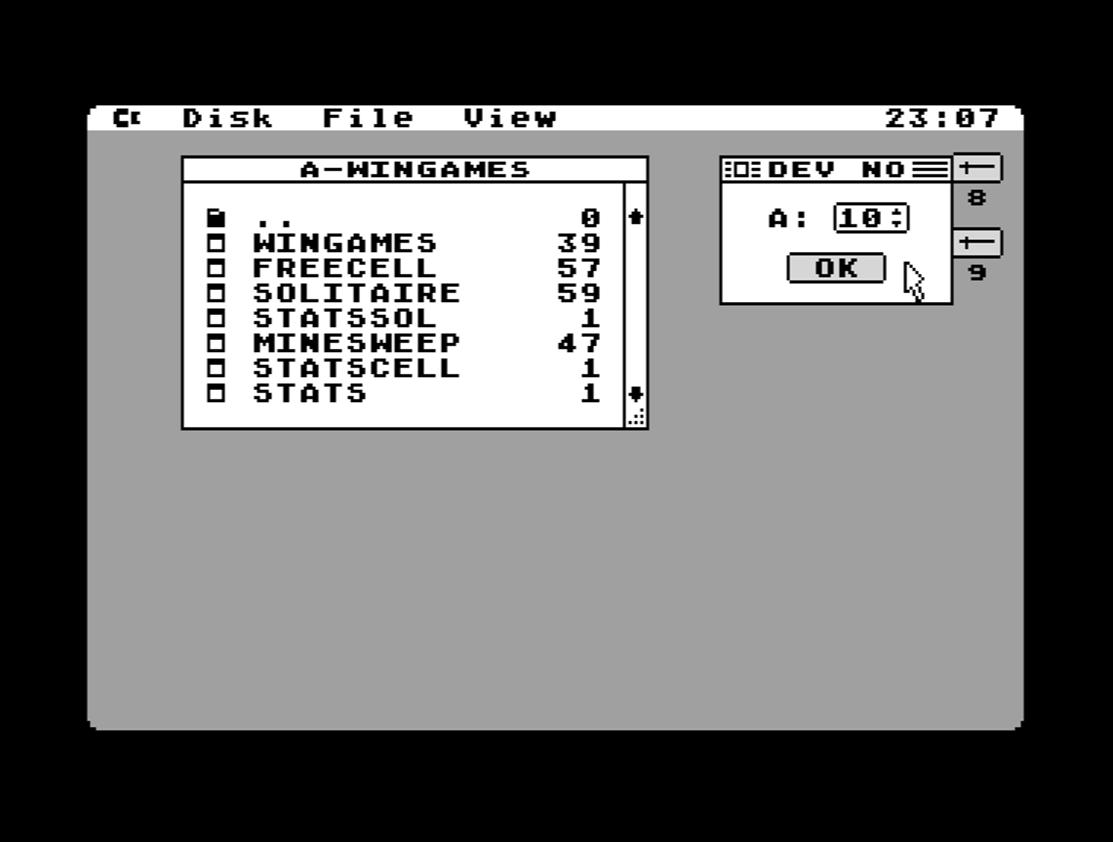
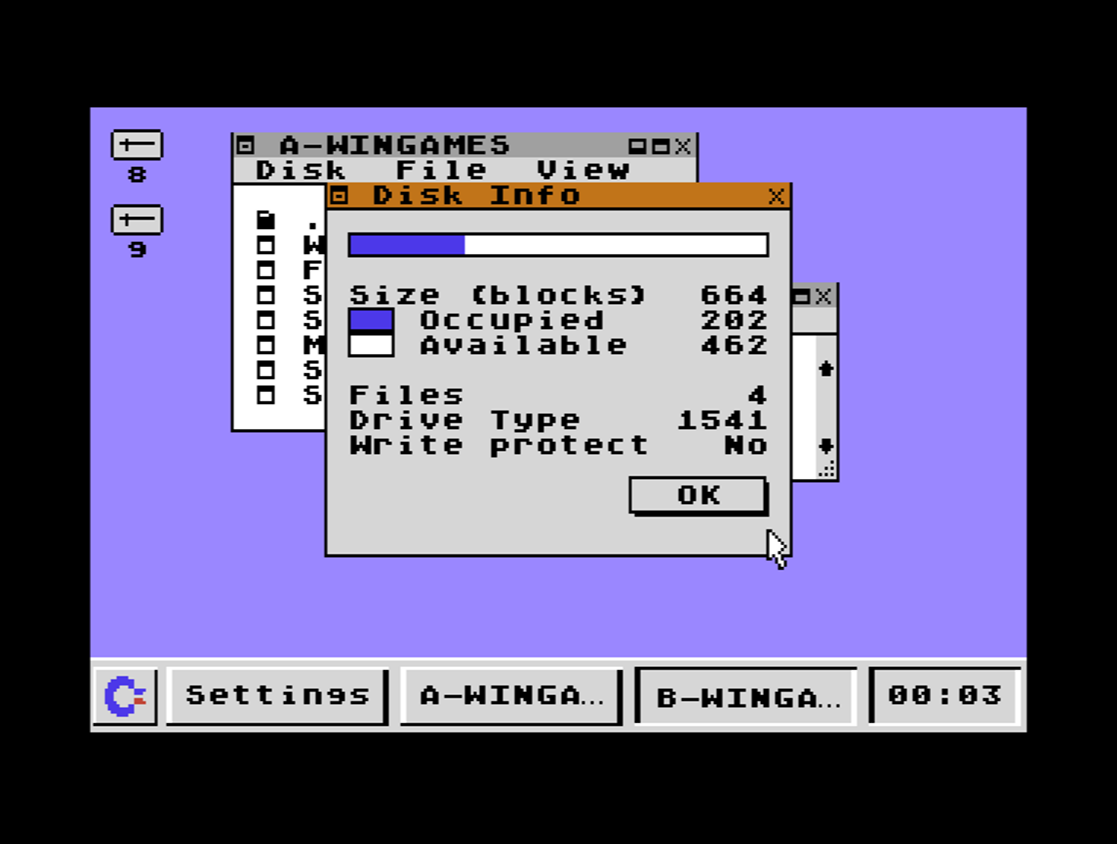
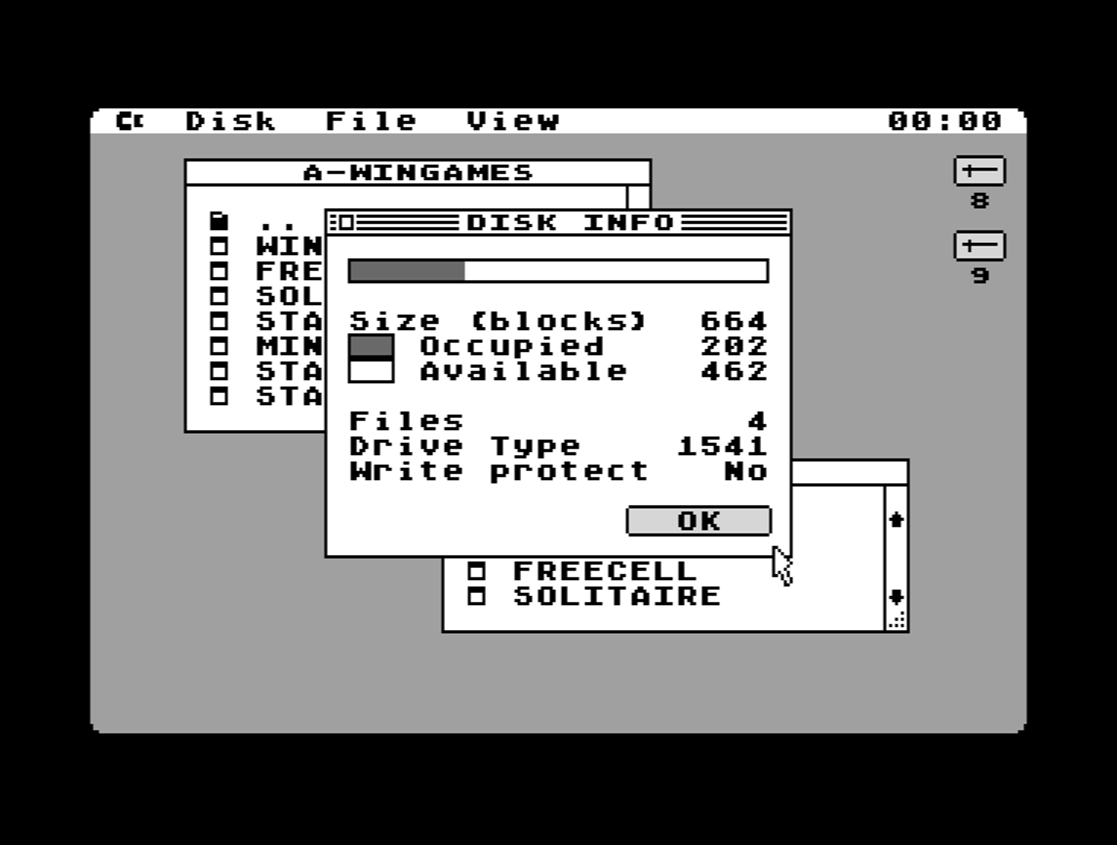
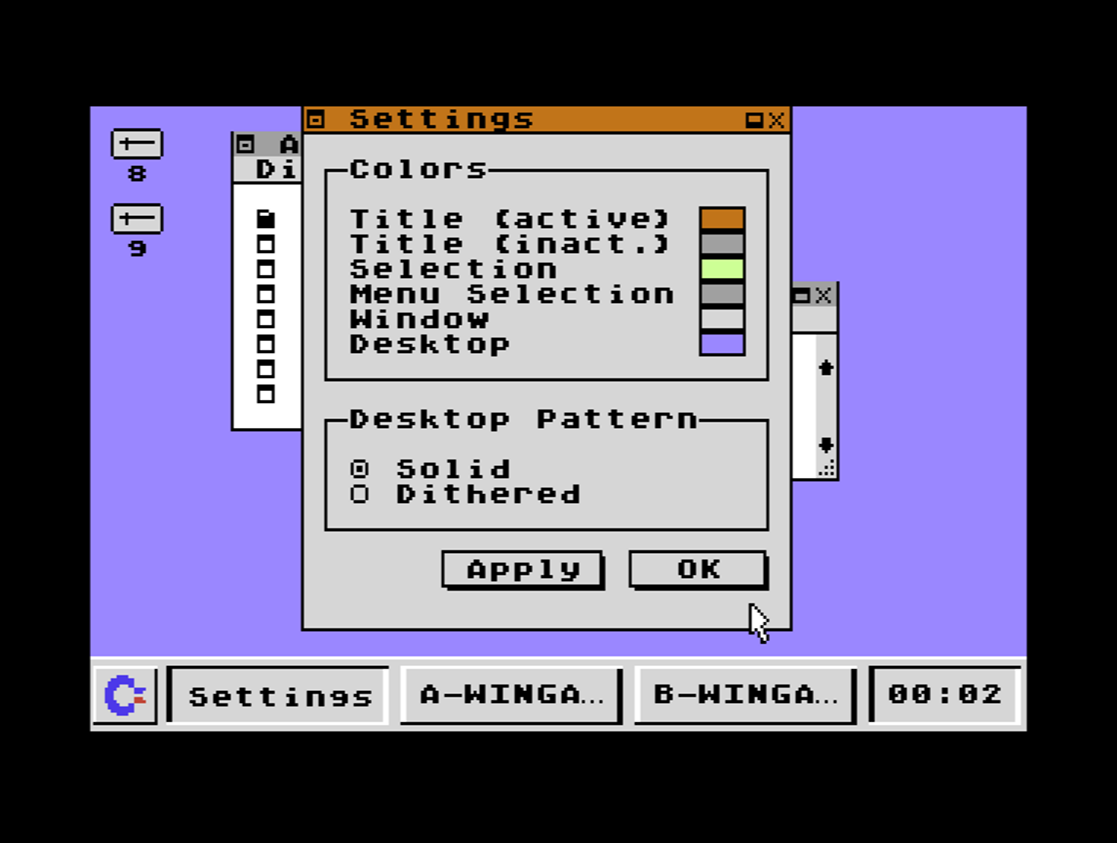
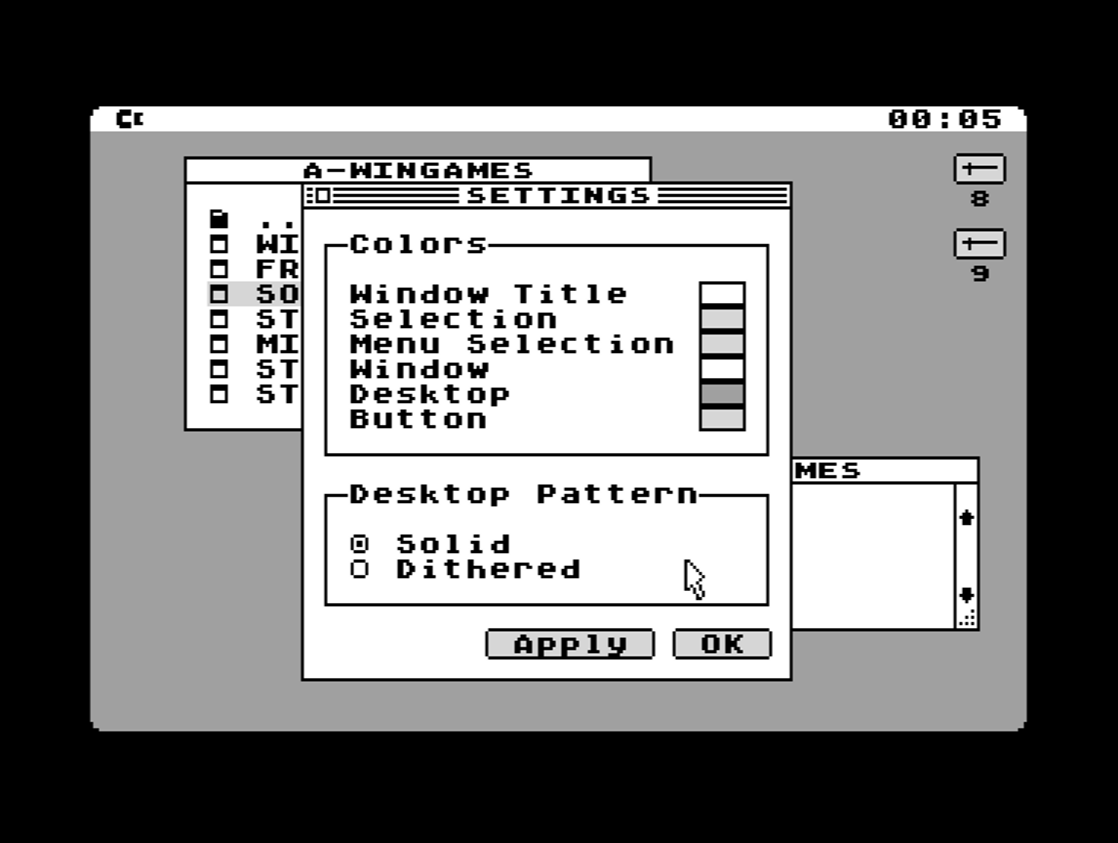
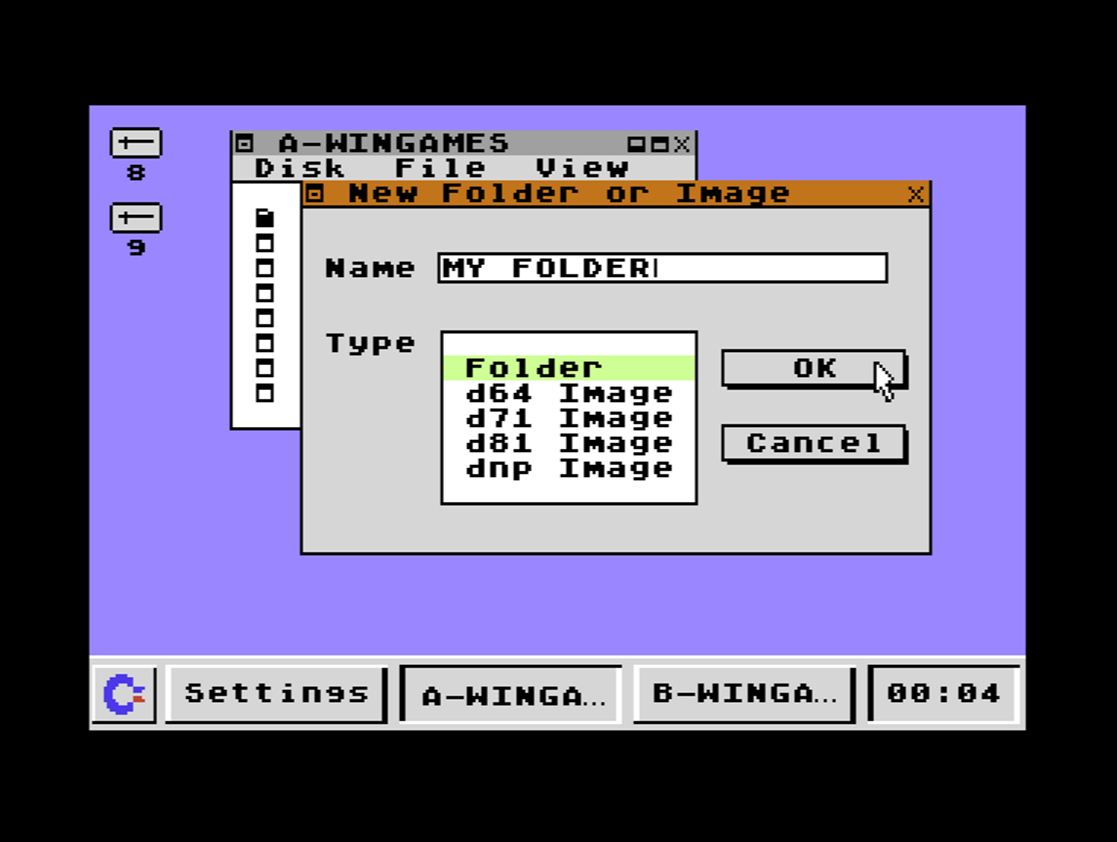
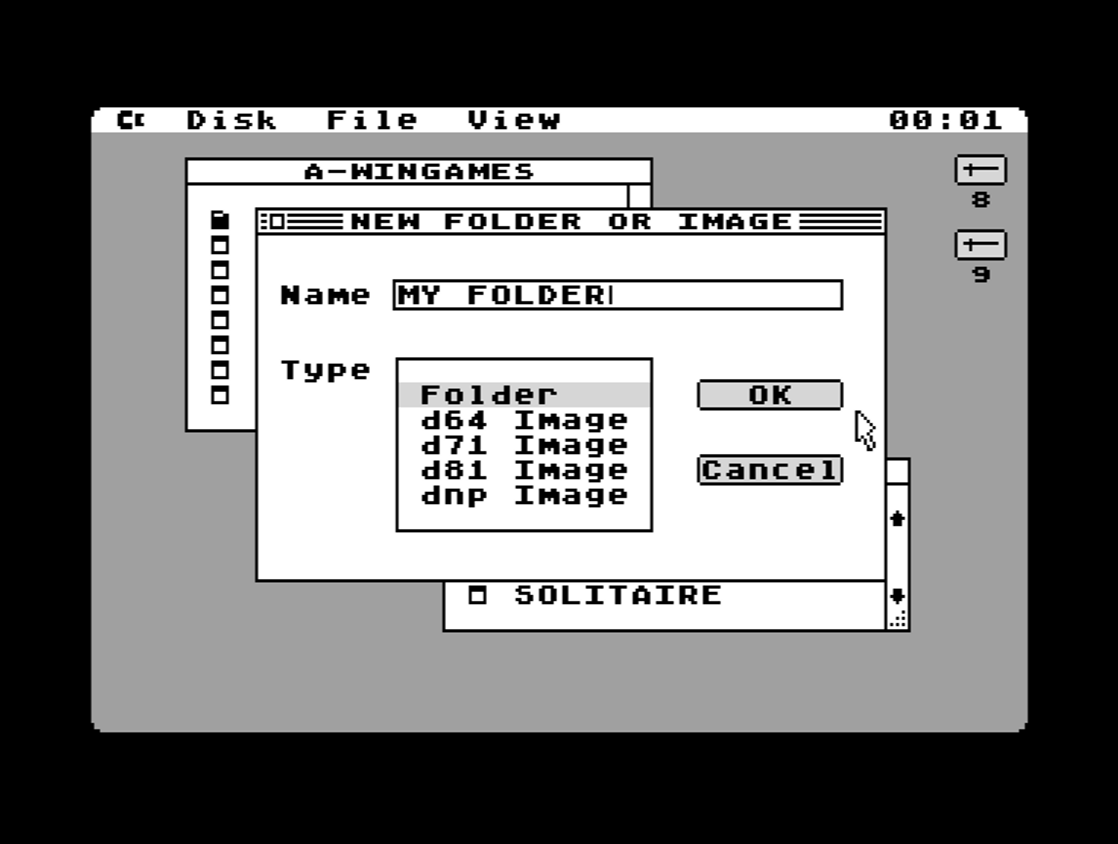
GUI64 is a graphical user interface (GUI) for the Commodore 64. Use your C64 as if it was a modern PC. It comes in two designs: one is Windows-like, the other Mac-like. With GUI64 you can do the following:
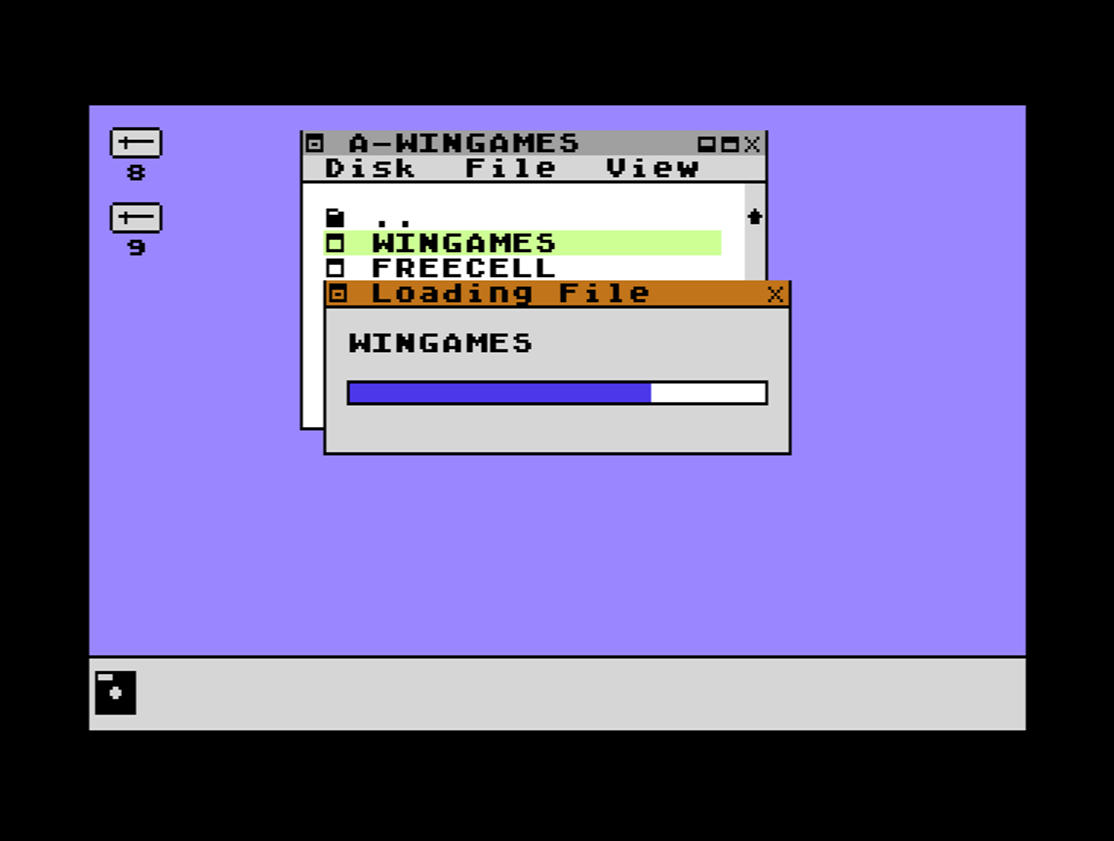
- run programs and games with a simple double click
- manage files by cutting, copying, pasting, deleting, and renaming them
- format and rename disks
- browse your folders on your SD2IEC device
- create new disk images and folders
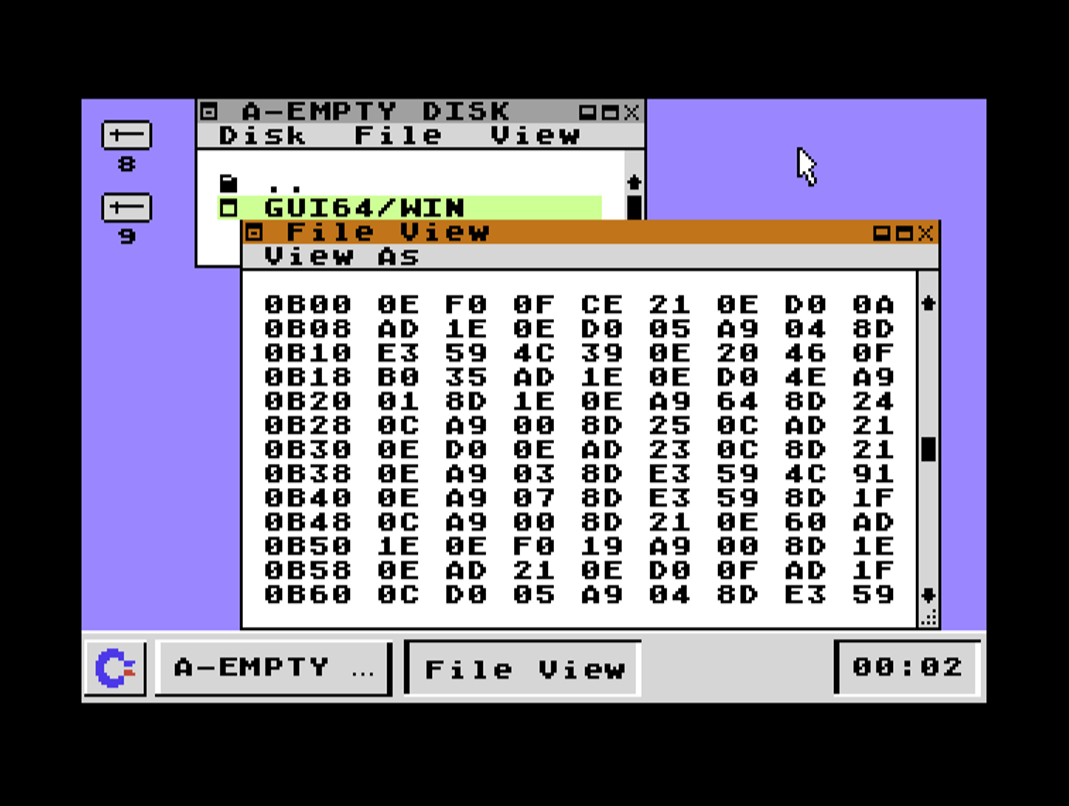
- view files in text and hex mode
For detailed information on GUI64, check out the C64-Wiki page https://www.c64-wiki.com/wiki/GUI64.
Control
- Mouse in Port #1. Concerning mouse control: you either have an original Commodore 1351 mouse or you use a USB/PS2 mouse connected to an adapter like the MouSTer. The mouse wheel is supported when Micromys is enabled.
- Joystick in Port #2 (right click with Commodore key + fire)
Binaries
There are currently three options: the first is *.crt. This is a cartridge image with which you can enjoy GUI64 right after switching on your computer. The second option is *.prg which works great, e.g., with a Kung Fu Flash cartridge. The third option is *.d64. Put in the disk and load GUI64 with 'LOAD"*",8,1'.
Coming in Version 2.0 (Work in Progress)
- File browser: Copy files between SD2IEC directories and images; maybe even copying files between disks in the same drive via disk swap will be possible as well
Future Plans
- Retrieve time from Commodore 64 Ultimate board and/or SD2IECs with RealTimeClock
- Application programming interface: program your app for GUI64
Download
Click download now to get access to the following files:
Leave a comment
Log in with itch.io to leave a comment.